UTF-8 encoding for Resource Bundle

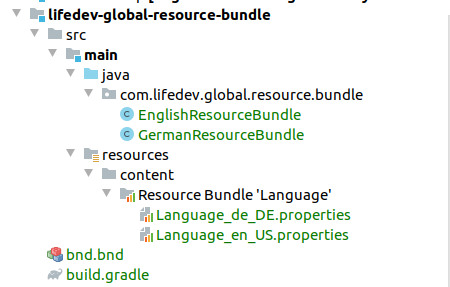
Resource Bundle UTF-8 How to configure UTF-8 encoding for Resource Bundle Files in IDEA for Liferay Problem Sometimes you may see weird symbols in the User Interface, like these: This is usually caused by wrong character encoding, different from UTF-8. Solution If your labels are defined in the Resource Bundle (Language_XXX.properties files), which typically should be the case, you need to check the encoding configuration for properties files. Open the IDEA Settings and and navigate to Editor > File Encodings menu. Choose "UTF-8" for "Default encoding for properties files": Save the configuration, and redeploy module(s) with Resource Bundle. Now the labels from Resource Bundle properties files should display correctly. Enjoy 😏